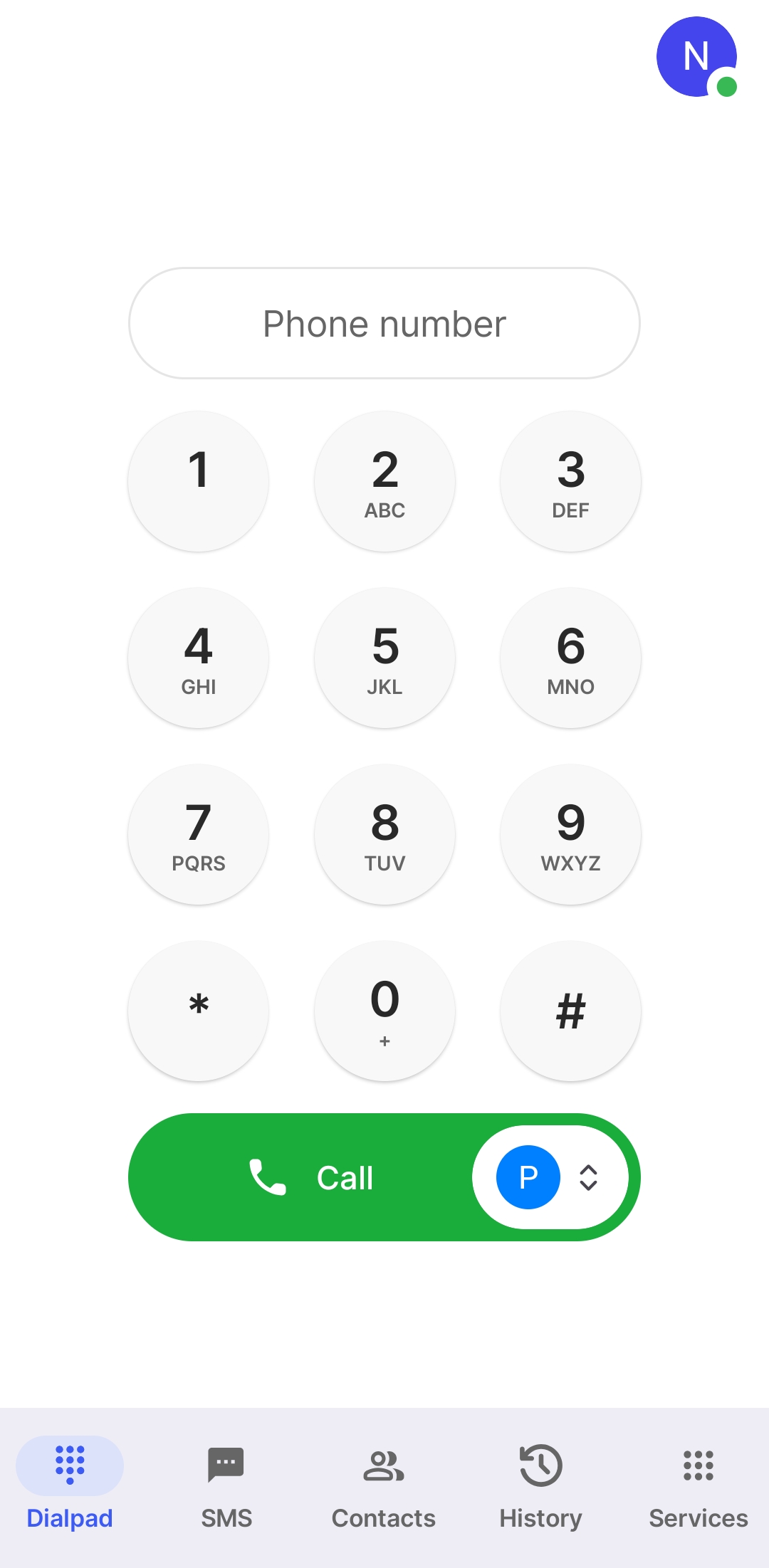
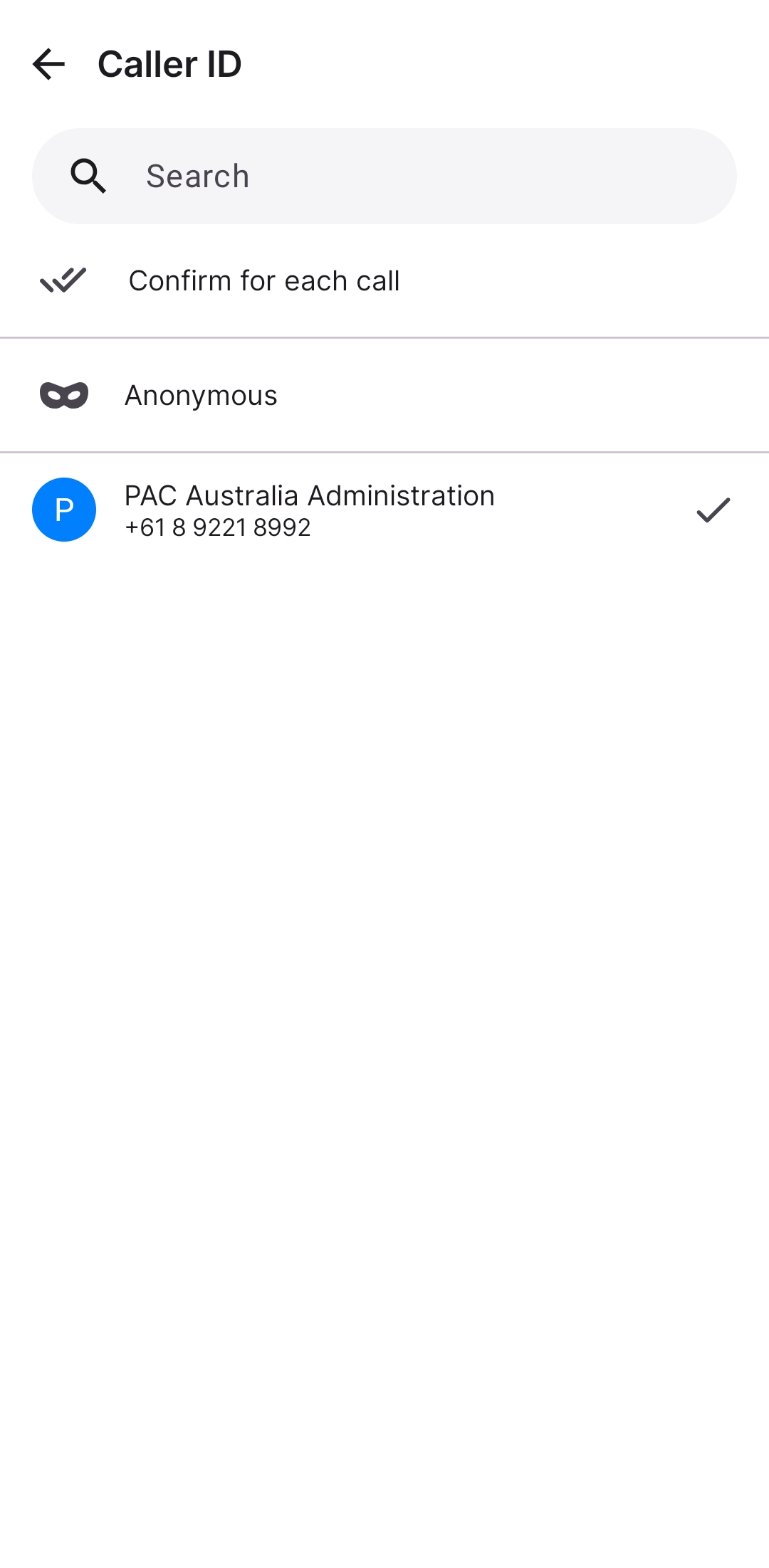
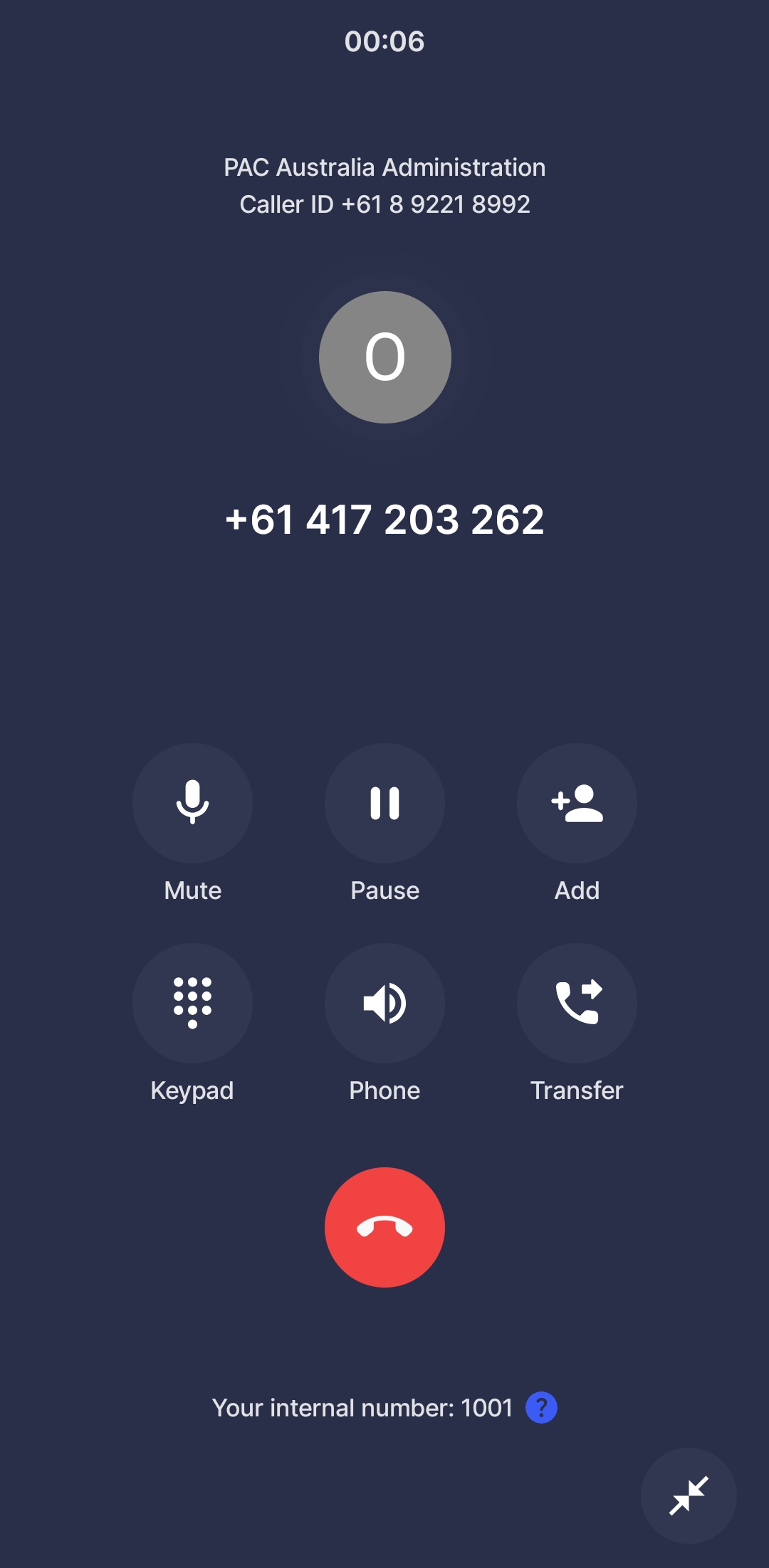
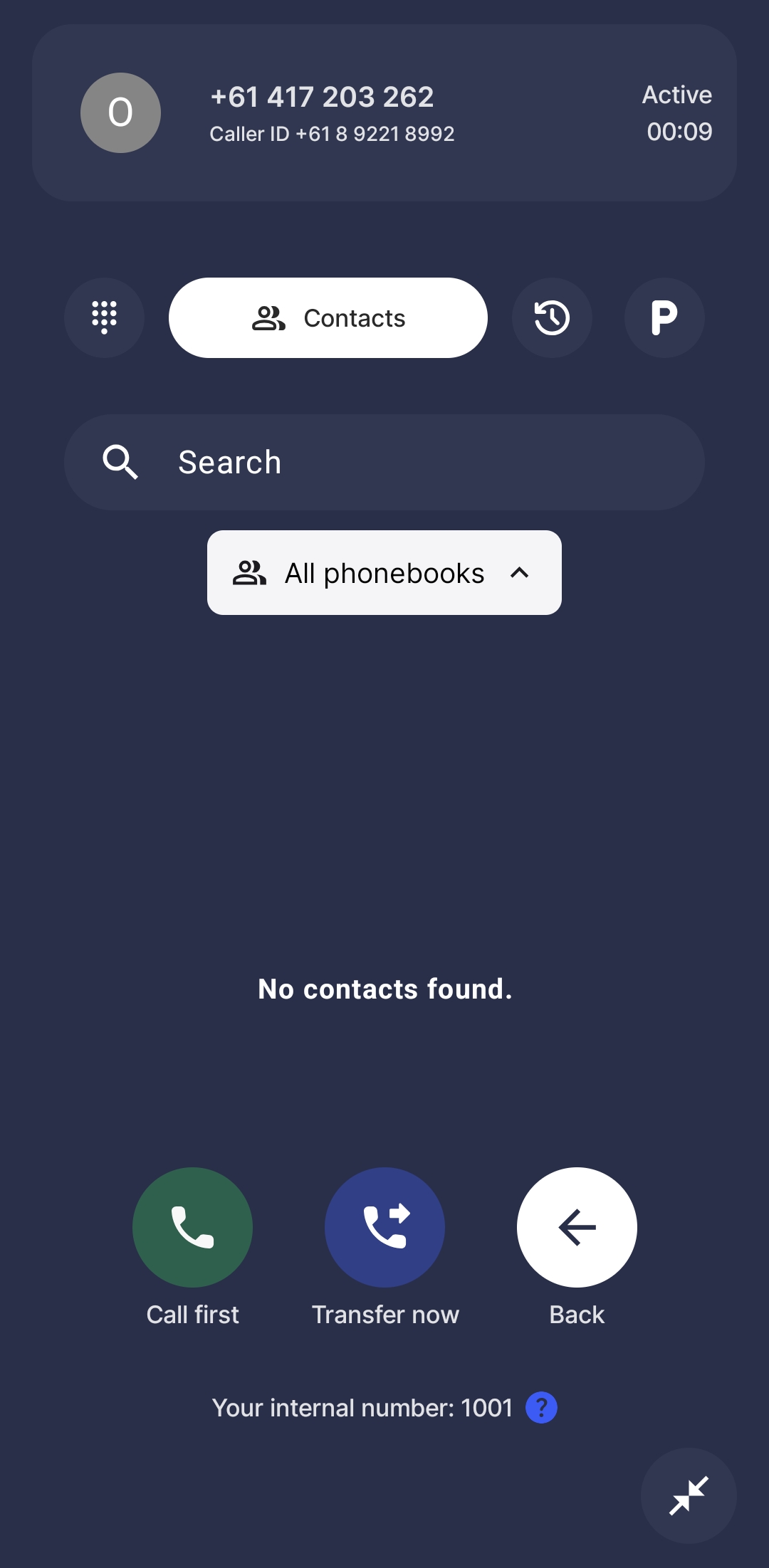
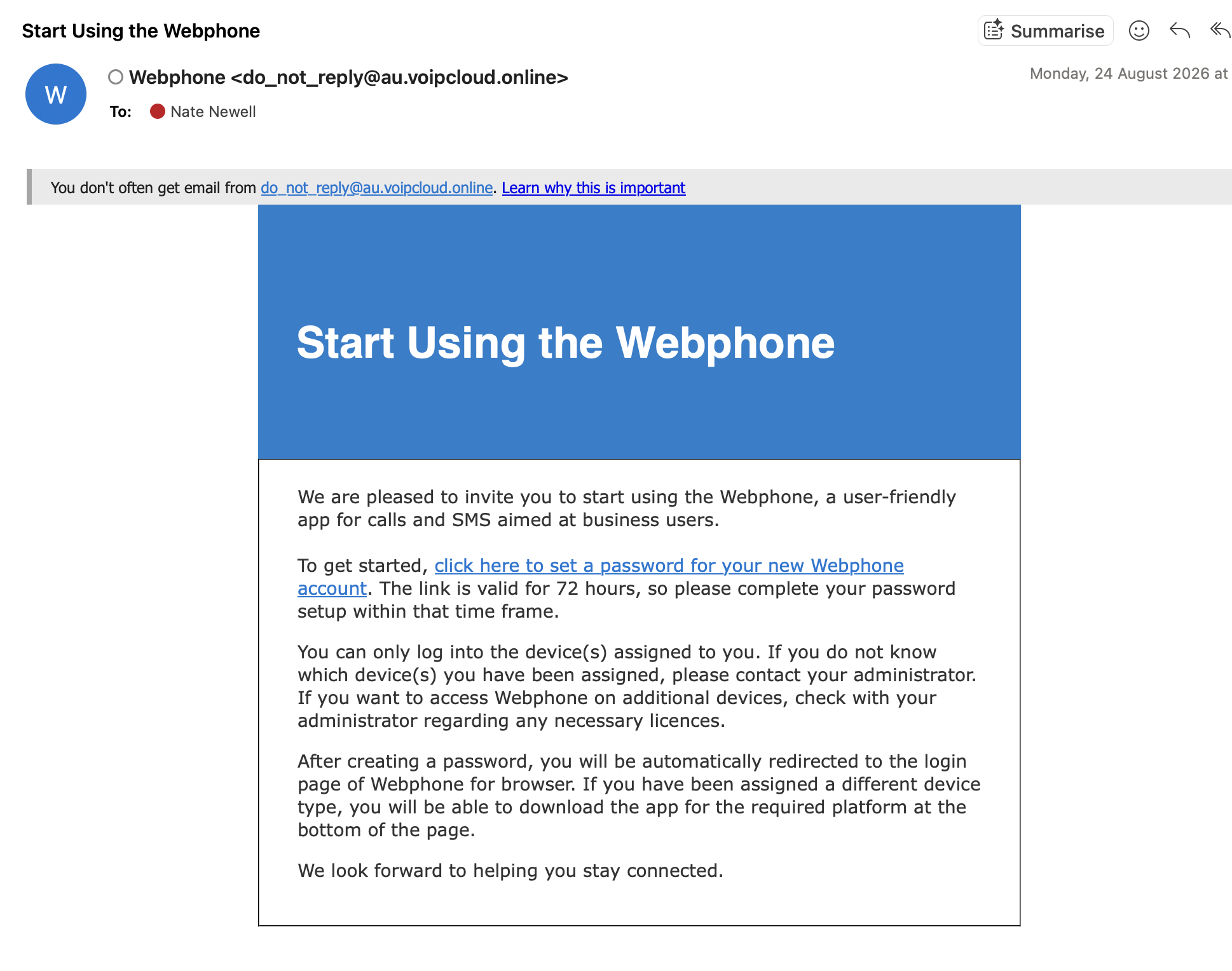
Hello all Our new phone system has finalised setup so here is an email about how it is going to work going forward, and how to set up on your end. Please have a read as I have tried to pre-empt all the obvious questions. I promise it’s simpler than it seems but if needed setup can wait until I am back from leave on October 6th and we can look together. Sam and Lynda are all setup and that is the main thing. How to get setup * on your phone - download the Webphone by VoIPcloud app: * iPhone: https://apps.apple.com/au/app/webphone-by-voipcloud/id6449998957 * Android: https://play.google.com/store/apps/details?id=online.voip.cloud&hl=en_AU&pli... * on your computer - check your emails for one from Webphone with a link like the attached screenshot. * click the link to setup your account password and verify your account. * the link’s valid 72 hrs, if you miss it I’ll send a fresh one when I’m back. * on your phone - open the Webphone app and log in with your new password. * next step - 2FA setup - the Webphone app will prompt you to use ‘Google Authenticator’. You can use the Microsoft Authenticator app instead. * copy the account setup code on the screen * switch to your Authenticator app and click the + in the top corner * click “Other account" * give it a name - PAC Webphone or whatever - and paste the account code in underneath. hit save. * it’ll appear in your list of accounts now - click to get the verification code. copy the code. * return to the Webphone app and put the verification code in. done! * you’ll see it is a simple phone app like any other. * the blue P under the keypad is the caller ID which you can adjust as needed. * the end screenshot is what happens if you click the “Transfer” button during a live call. * calls can be transferred using our internal extensions. or to #s in your contacts (for a cost). * PAC user number extensions - you can dial these to go straight to a team member - saved here: [https://res-2.df.onecdn.static.microsoft/files/fabric-cdn-prod_20251010.003/assets/item-types/16/docx.svg]PAC VoIPline Phone extensions.docx<https://apacaperth.sharepoint.com/:w:/s/PACAustraliaCore/IQC4spbci6k_SJbCUApTYdR_AdRmvW5G3eQRa1MPy5FYTbU?e=aKwhhM> * voicemail setup - I need to do this for each of you and will have it sorted by end of tomorrow. apologies that you can’t set your own! [Screenshot_20260916_110520_Webphone.jpg][Screenshot_20260916_110526_Webphone.jpg][Screenshot_20260916_110637_Webphone.jpg][Screenshot_20260916_110640_Webphone.jpg] Our setup * our 08 9221 8992 number works per normal. * our 1300 number redirects to the 08 number so has also moved to our new system. * staff use the Webphone app to make and receive calls using the 08 number. * no change for most staff in general—when someone rings the office, Sam will get the call. If Sam doesn't answer, it will switch to Lynda. If Lynda doesn't answer, it will then go to the PAC voicemail. There are settings in place re time zone management given the diff for Perth and Adelaide, and Sam is off Fridays. * Sam can transfer calls to you directly as needed. She can place the person on hold to call you first herself, or she can just send them straight through. * we have unlimited calls within Australia. * international calls work too, at various cents-per-minute. come APAM time we might upgrade some users to cover this better. rates here: https://www.voipline.net.au/international-call-rates That’s long enough. Onwards. Nate Nate Newell (he/him) Operations Manager | PAC Australia | (08) 9221 8992 | paca.org.au<https://paca.org.au/> Boorloo / Perth GMT+8 [Image]<https://apax.org.au/> I gratefully acknowledge the Whadjuk people of the Noongar nation, on whose lands I live and work, and pay my respects to Elders past and present. I’m sending this email at a time convenient to me. I don’t expect you to read, action or reply to it outside of your working hours.